
What Is a Court Docket in Waukesha County
A docket is the official, dated list of everything that happens in a case. Each line marks one event: a filing, a hearing, an order, a payment, or a ruling. Read top to bottom, the docket tells the story of the case from the first complaint to the final judgment. In Waukesha County, the docket is built and kept by the Clerk of Circuit Court as staff enter each event.
The docket is not the same as the documents themselves. A line might say a motion was filed on a certain date, but the motion document stays in the case file. For most people, the docket answers the everyday questions: what is the next court date, what was decided last time, and is the case still open.
Because the docket is part of the public court record, anyone can read it for an open case. Attorneys use it to track deadlines, but the same view is open to a party, a reporter, or a curious neighbor. The one limit is the case type. Juvenile dockets and sealed cases do not show in the public portal, so a search for them comes back empty by design, not by error.
How to Find Waukesha County Dockets Online
Dockets live inside the case summary on Wisconsin Circuit Court Access. There is no separate docket-only search. You find the case first, then scroll to the events or history section. The county also runs the Wisconsin eCourts system, which links the public portal, eFiling, and court calendars in one place.
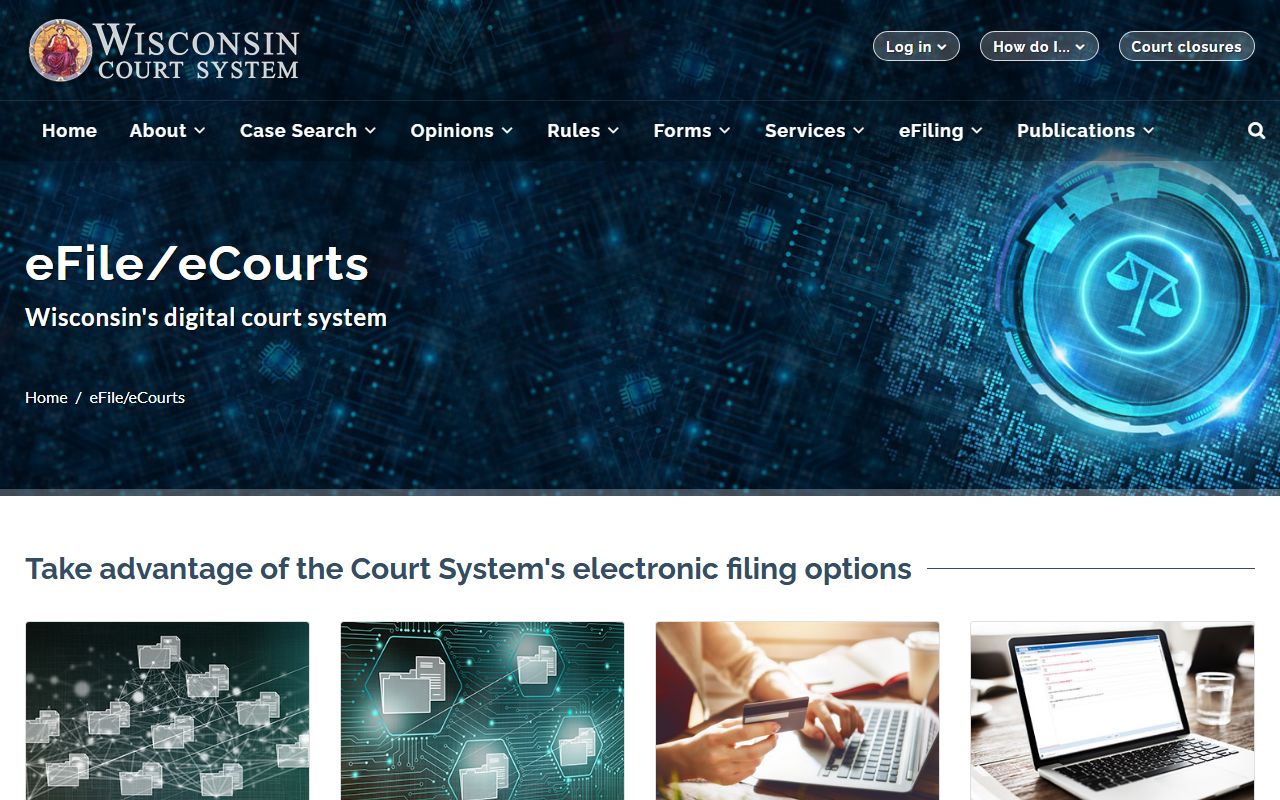
The Wisconsin eCourts hub is where the docket, filing, and calendar tools come together.
- Open WCCA and set the county to Waukesha.
- Search by case number, or by party name.
- Open the matching case summary.
- Scroll to the events, history, or court record section.
- Read the entries in date order and note the next hearing.
Sample Waukesha County Docket Entry
Each docket line carries a date, an event description, and often a note about the court official or party involved. Criminal and civil dockets share the same shape, even though the event names differ. The sample below shows the kind of entries a Waukesha County case might list.
| Date | Event | Notes |
|---|---|---|
| 01/10/2024 | Complaint filed | Case opened, assigned to a branch. |
| 01/24/2024 | Initial appearance | Rights read, schedule set. |
| 02/15/2024 | Plea hearing | Plea entered before the court. |
| 03/20/2024 | Motion hearing | Court official rules on a motion. |
| 05/02/2024 | Judgment | Final disposition entered. |
Common entries you will see include bond posted, notice of hearing, order signed, warrant issued, payment received, and case closed.
Courts That Publish Dockets in Waukesha County
Circuit court dockets are the ones you will find on WCCA. Because the county runs all state trial cases through the circuit court, that single portal covers criminal, civil, family, probate, and traffic dockets. Appellate dockets sit on the separate state appellate search. Municipal courts keep their own records and are not part of WCCA.
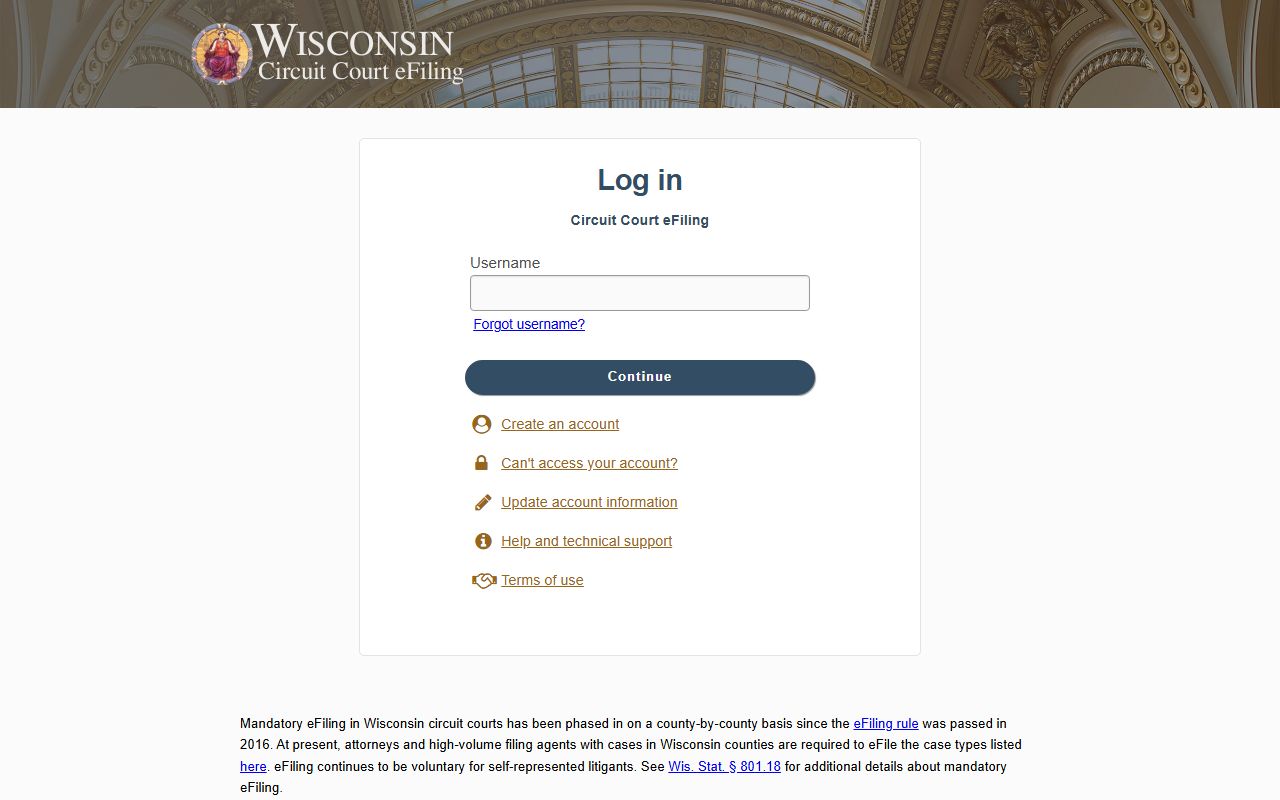
The Wisconsin eFiling system feeds many docket events, since electronic filings post to the case record as they are accepted.
Federal cases for the county route to the U.S. District Court for the Eastern District of Wisconsin, and those dockets come through PACER, not WCCA. Keep the two systems separate when you search.
Court Calendar and Hearing Details
A docket entry for a hearing usually carries more than a date. It can list the time, the courtroom, the hearing type, and the court official who will preside. That detail matters in Waukesha County, where the circuit court runs 12 branches. Cases are assigned to a branch, and caseloads rotate among the branches each year, normally in early August. So the judge on a case can change from one year to the next.
Each branch has its own courtroom and its own clerk and reporter. When a docket lists a future hearing, the branch tells you which courtroom to find and which deputy clerk to call with a question. The county's court official directory pairs every branch with its courtroom and phone numbers, which is handy when a hearing notice is thin on detail.
Hearing fields you may see on a docket include:
- Hearing date and time.
- Courtroom or branch number.
- Hearing type, such as initial appearance, status, or trial.
- Assigned judge or court commissioner.
How Waukesha County Dockets Update
Dockets are not live to the second. A clerk enters each event after it happens, and electronic filings post once the court accepts them. That means a hearing held this morning, or a document filed an hour ago, may not show on WCCA right away. Most events appear within a business day, but timing varies by division and by how busy the court is.
If a docket looks out of date, give it a day and check again, or call the branch clerk to confirm. A blank space on the docket does not always mean nothing happened. It can simply mean the entry has not been keyed in yet. For anything time-sensitive, like a deadline or a next court date, confirm it with the division rather than trusting the screen alone.
Docket vs. Full Case Record
People often use the words docket and record as if they mean the same thing. They do not. The docket is the index of events. The case record is the full set of documents behind those events. The table below lays out the difference, which matters when you need a copy for a legal use.
| Feature | Docket | Full Case Record |
|---|---|---|
| What it is | Dated list of events | The documents filed in the case |
| Where to see it | WCCA case summary | Clerk of Circuit Court division |
| Cost | Free to view online | $1.25 per page, plus $5.00 to certify |
| Best for | Tracking hearings and status | Legal filings and certified proof |
Note: A docket line confirms a document exists, but only the certified copy from the clerk works for a court or formal use.
How to Read a Waukesha County Docket
Docket language leans on a handful of terms that repeat across cases. Once you know them, the log reads quickly. The list below covers the words that come up most in Waukesha County criminal and civil dockets.
- Initial appearance
- An early criminal or traffic hearing where rights, charges, and scheduling are addressed.
- Motion
- A written or spoken request asking the court to make a ruling.
- Continuance
- A postponement of a hearing or deadline to a later date.
- Disposition
- The outcome of a charge, claim, or the whole case.
- Bench warrant
- A warrant a judge issues, often for a missed court date.
When a docket entry is unclear, the deputy clerk for that branch can confirm what an event means. For the courts themselves, see the Waukesha County Circuit Court page.
Getting the Documents Behind a Docket Entry
The docket points to documents, but it does not hand them over. To get the motion, order, or judgment named in a line, you request a copy from the Clerk of Circuit Court division that holds the case. Most divisions charge $1.25 per page, with $5.00 to certify a document. Probate runs lower, at $1.00 per page and $3.00 to certify.
Transcripts work a little differently. If a transcript already exists, the clerk can sell a certified copy at the per-page rate. If one has not been made, you contact the court reporter for the judge who heard the case and give the case number and the hearing date. A reporter's copy is often cheaper per page than a certified clerk copy, so ask which route fits your need.
Criminal and Civil Docket Differences
Criminal and civil dockets follow different rhythms. A criminal docket tends to open with a complaint and an initial appearance, then moves through plea, motion, and trial or sentencing entries. It may also carry bond, warrant, and condition entries that civil cases never see. The State of Wisconsin appears as a party, and a district attorney handles the prosecution.
A civil or small claims docket opens with a summons and complaint, then logs answers, motions, and hearings before a judgment. Family dockets add temporary orders, mediation, and placement entries. Traffic dockets are leaner, often a citation, an appearance, and a disposition. The shape differs, but the search is the same: find the case on WCCA, then read the entries in order.